Key Takeaways
-
The BluFano has a built-in 10,000 mAh power bank that runs the fan and can charge a phone or USB device, but both functions draw from the same battery.
-
Charging your phone while the fan runs shortens cooling runtime, so use phone charging as a top-up or emergency backup rather than your main charging plan.
-
BluHalo estimates about 8 hours at maximum airflow and up to 32 hours at the lowest setting; these are manufacturer estimates, not independent lab results.
-
On long, hot shifts, prioritize fan-only use and charge your phone separately before your shift, using a wall outlet or car charger.
-
Lower the fan speed while charging your phone to balance cooling and phone power, and check battery level if airflow feels weaker.
-
The product information does not verify a phone-charge count, USB output rating, full-charge time, or recommended adapter wattage, so check the manual or contact BluHalo for those details.
Picture this: you’re six hours into a hot shift, your phone is at 12%, and the fan under your vest is still humming along. Then a thought hits you. Can the same battery that keeps you cool also save your phone? Good news, friend. It can. But there’s a catch worth knowing about.
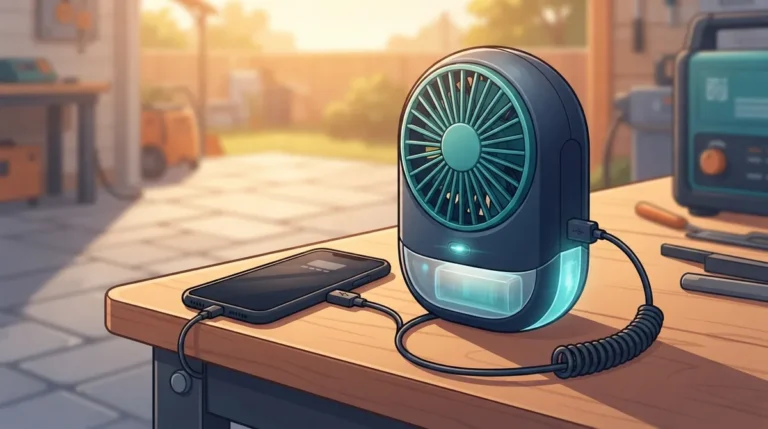
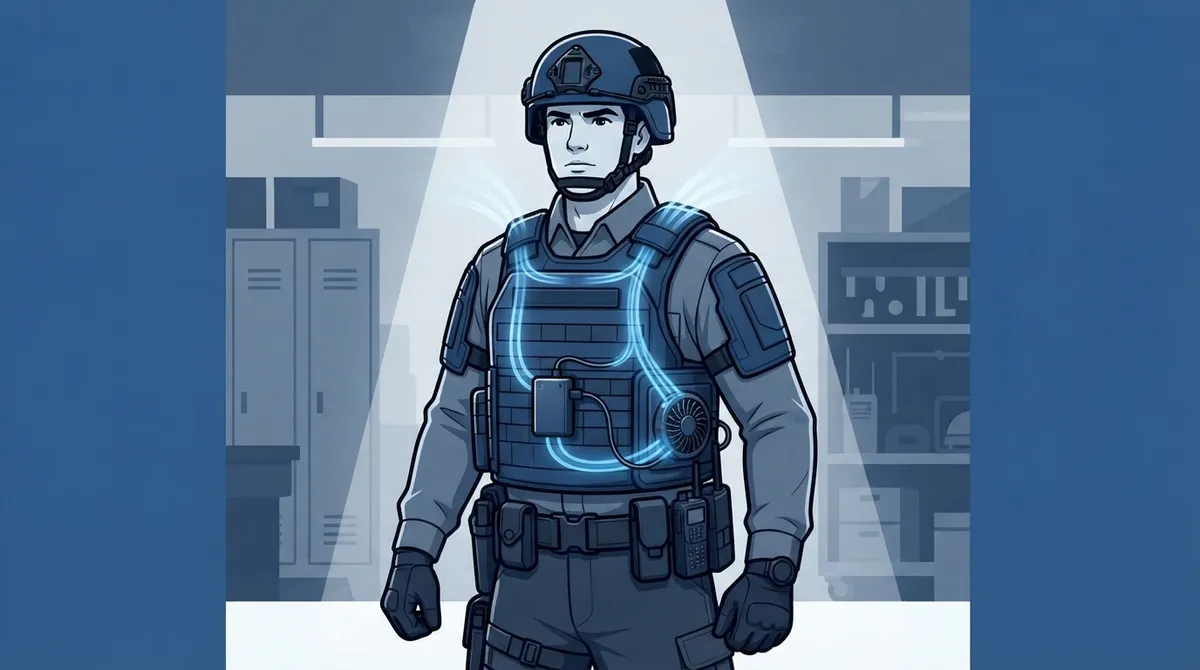
The BluFano is a battery-powered ventilation accessory that moves air under your body armor or vest. It also has a built-in 10,000 mAh power bank, so BluFano power bank phone charging is a real feature, not a gimmick. The tricky part is that your fan and your phone share one battery. Every bit of power that goes to your phone is power the fan does not use.
In this guide, we compare two choices: using the BluFano to charge your phone, or saving it for fan runtime only. We will look at what the maker says, how the numbers work, and which approach fits your shift. Whether you are a patrol officer, a soldier, a security guard, or a first responder, you will leave with a clear plan.
How BluFano Power Bank Phone Charging Works
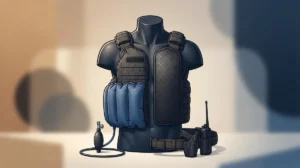
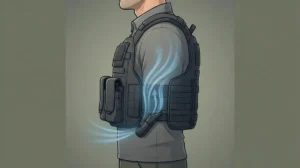
Let’s start with the basics. The BluFano is not a vest you wear on its own. It is an active airflow unit that slides under your body armor. A patented air-redirect spout aims fresh air under the carrier, and an optional strap helps keep it in place.
Inside the unit sits a rechargeable 10,000 mAh power bank. According to the manufacturer, it does two jobs:
- It powers the fan that moves air beneath your vest.
- It can charge a phone or other USB device through a USB connection.
There is also a forward-facing light for hands-free use in low light. That is handy on night patrols or during a power outage call.
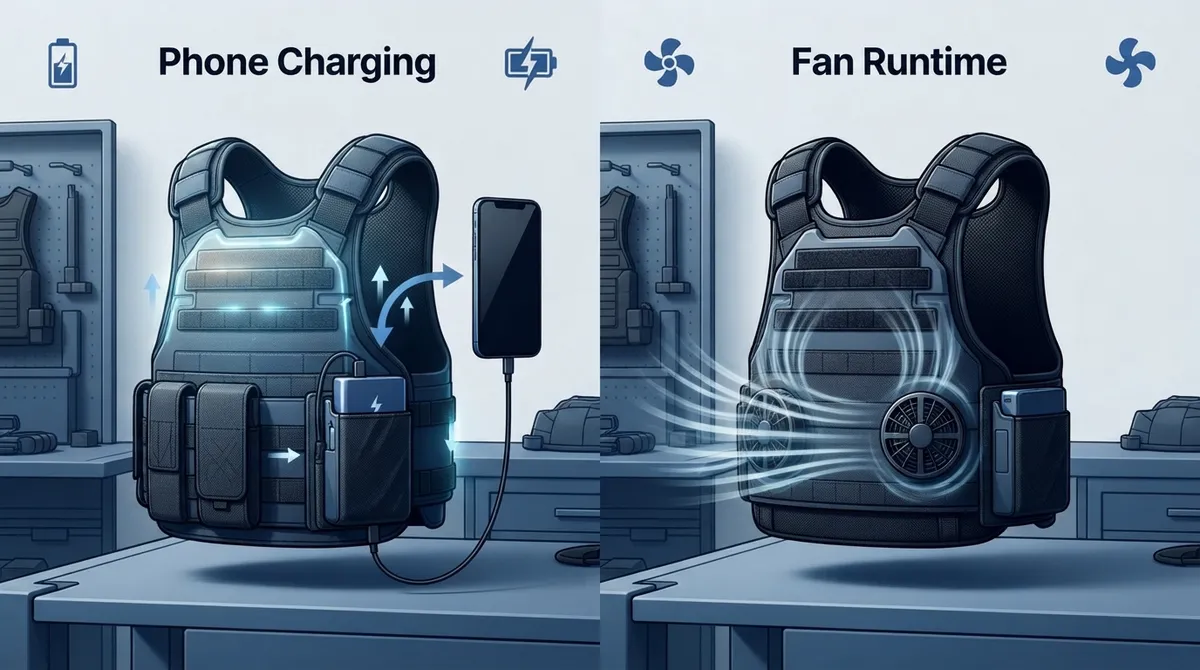
Here is the key point. The fan and the phone port pull from the same battery. Think of it like a shared water tank. If you fill your phone’s cup, there is less left for the fan.
The Two Approaches Compared
So which is better? Fan-only use, or fan plus phone charging? The honest answer is that it depends on your shift. Here is a quick side-by-side look.
| Factor | Fan Only | Fan Plus Phone Charging |
|---|---|---|
| Cooling runtime | Full battery goes to airflow | Reduced, since the battery is shared |
| Phone battery | Needs a separate charger | Topped up from the same unit |
| Best for | Long, hot shifts | Emergencies and short top-ups |
| Planning needed | Low | Moderate: watch the battery |
| Backup power | Optional | Strongly suggested |
Neither choice is wrong. You are simply trading one thing for another. Let’s break each one down.
Option One: Fan-Only Mode
In fan-only mode, the entire 10,000 mAh battery goes to your cooling. This is the simplest way to run the BluFano, and it is the best choice when heat is your main worry.
What the Manufacturer Says About Runtime
BluHalo states that the fan runs for about 8 hours at maximum airflow and up to 32 hours at the lowest setting. Please keep in mind these are manufacturer estimates, not independent lab results. Your real runtime will vary with fan speed, temperature, and battery condition.
That is a wide range, and it gives you lots of control. You can run high airflow when the sun is beating down and drop to a low setting when you are in the shade or in an air-conditioned car. If you want to learn how to dial it in, our guide on adjusting BluFano fan speed under body armor walks through it step by step.
Who Should Choose Fan-Only
Fan-only mode is a great fit if you:
- Work long outdoor shifts in high heat, like a 12-hour patrol in 95-degree weather.
- Wear heavy tactical gear, such as SWAT or military kit.
- Cannot afford a drop in cooling during a critical task.
- Already carry a separate phone charger or vehicle charger.
Heat is not just about comfort. It can affect focus and decision making. If you are curious about that link, read about how heat affects police reaction time on duty. The U.S. Occupational Safety and Health Administration also shares useful safety advice in its OSHA heat stress guide.
Option Two: Fan Plus Phone Charging
Now for the flip side. Using BluFano power bank phone charging means you plug your phone into the unit while the fan may still be running. It is a lovely feature when you need it.
What You Get
The big win is convenience. One device handles your cooling, your light, and an emergency phone boost. That means fewer cables, fewer separate batteries, and less gear on your belt or vest.
For many people, a phone is a lifeline. It holds maps, call logs, notes, and a way to reach family. A dead phone mid-shift is a real problem, so having backup power on your body is a smart safety net.
What It Costs You
Here is the honest trade-off. Charging your phone drains the same battery that runs your fan. So you can expect shorter fan runtime when you charge at the same time.
The 10,000 mAh number is also a capacity rating, not a promise about phone charge. How much your phone actually gains depends on several things:
- Conversion losses. Some energy is lost when a power bank moves power to another device.
- Your phone’s battery size. A larger phone battery takes more power to fill.
- Whether the fan is running. A running fan keeps pulling energy at the same time.
The product information we reviewed does not list a verified phone-charge count, USB output rating, or exact charge speed. If you need those details, check the product manual or ask the maker directly. You can always contact the BluHalo team with specific questions.
A Simple Way to Decide
Not sure which way to lean? Try this quick method before your next shift.
- Check the forecast. Hotter days mean you should protect fan runtime first.
- Count your shift hours. Longer shifts mean you will want every minute of cooling.
- Check your phone before you leave. Start with a full phone battery and a charged BluFano.
- Pick a fan setting. Use a lower speed when you can, since the lowest setting stretches battery life the most.
- Plan your backup. Carry a small separate power bank if uninterrupted cooling matters.
This simple routine keeps you in control. It also means you are never caught guessing.
Smart Habits for Charging a Phone From Your Vest
If you do decide to use the BluFano as a phone charger, a few easy habits go a long way. These tips come straight from how the system is built.
- Charge the phone separately when you can. A wall outlet or car charger before your shift saves fan power for the heat.
- Use phone charging as a top-up. Think of it as a rescue, not your main charging plan.
- Keep an eye on the fan. If airflow feels weaker, check your battery level.
- Lower the fan speed while charging. This helps balance both needs.
- Carry a backup. A small spare power bank is cheap insurance.
Remember, the BluFano charges through a USB port using the supplied cable. Full-charge time and recommended adapter wattage are not stated in the sources we found, so follow your manual for the safest results. Our walkthrough on 5 steps to charge a BluFano vest fan the right way is a good companion read.
How Different Professionals Might Use It
Every job is different, so the best plan changes too. Here is how a few groups might approach it.
Patrol Officers and Security Guards
You spend long hours in a car, on foot, or at a post. Run the fan on a low or medium setting, and use phone charging only when your battery gets low. Cooling is the priority, with the phone as a safety net.
Military and Tactical Teams
Heavy gear and high heat make fan runtime precious. Charge your phone separately before missions, and carry a dedicated spare power source. If you also need light, the BluFano’s forward-facing light is a nice bonus.
Firefighters and EMS Crews
Calls can be unpredictable, and your phone matters for dispatch and notes. A quick phone top-up from your vest unit can help, but keep cooling in mind during long outdoor scenes. For more ideas, see these first responder gear picks that beat the heat.
If you work with a healthcare or wellness partner on staying safe in the heat, teams like Healthcare Solutions Team Brandon can be a helpful resource for broader health planning.
Why BluFano Is a Top Pick for This Job
There are plenty of ways to fight heat under armor, from ice packs to mesh liners. But few options combine active airflow, a power bank, and a light in one compact unit. That is what makes the BluFano stand out for people who need cooling and a bit of backup power.
It is also built for daily duty use. The spout slides under any style of body armor, and a simple control knob makes it easy to use with gloves on. Users have shared that it helps them feel cooler, sweat less, and stay focused during hot days.
If you want even more cooling control, BluHalo offers the BluHalo ventilation vest, which lifts the vest off your body to create an air gap. Many wearers pair the two for the best of both worlds. You can compare them in our article on BluFano vs. BluHalo, or see how active airflow stacks up against other methods in BluFano fan system vs. passive cooling.
For broader background on armor safety, the National Institute of Justice body armor resources are worth a look.
The Verdict: Which Wins?
So, who wins the BluFano power bank phone charging debate? Here is the friendly, honest answer.
- For hot, long, demanding shifts: Fan-only wins. Protect your cooling time and charge your phone elsewhere.
- For emergencies and short top-ups: Phone charging wins. It is a fantastic backup when you need it.
- For most people: A mix works best. Use the fan as your main job, and the power bank as your safety net.
The real winner is having the choice. With one compact unit, you get airflow, light, and a way to keep your phone alive. Just remember that both functions share one battery, and plan around it.
Ready to Stay Cool and Connected?
You deserve gear that works as hard as you do. The BluFano gives you active cooling under your armor, plus power bank backup when life gets busy. If you have questions about fit, charging, or which setup suits your job, we would love to help. Get in touch with the BluHalo team today and find the cooling plan that fits your shift.
FAQs
Q: Can the BluFano power bank charge a phone?
A: Yes! According to the manufacturer, the BluFano has a built-in 10,000 mAh power bank that powers the fan and can also charge a phone or other USB device. Just keep in mind that both uses draw from the same battery.
Q: Can I charge my phone while the BluFano fan is running?
A: Yes, you can do both at once. Because they share one battery, though, charging your phone will use up energy the fan would have used, so your cooling runtime may be shorter.
Q: How long does the BluFano run on one charge?
A: BluHalo estimates about 8 hours at maximum airflow and up to 32 hours at the lowest setting. These are manufacturer estimates, so your real results may vary with fan speed and conditions.
Q: How many times can the BluFano charge my phone?
A: The available product information does not give a verified phone-charge count. The 10,000 mAh rating is battery capacity, and actual results depend on your phone’s battery size, conversion losses, and whether the fan is running.
Q: How do I recharge the BluFano power bank?
A: It recharges through a USB port using the supplied cable. The sources we reviewed do not list a full-charge time or adapter wattage, so check your product manual or contact BluHalo for those details.