Key Takeaways
-
The article notes the public product information does not publish exact steps to turn on the BluFano light, change its brightness, or state its runtime, so the manufacturer's current manual is the key source.
-
Do not assume the fan knob also controls the light; the product pages list a control knob for fan power and speed but do not say whether the light has its own switch.
-
Charge the unit fully before each shift, since the 10,000 mAh power bank powers both features and a low battery can cut the light short.
-
Battery figures cited (about 8 hours at max fan power, up to 32 hours on the lowest setting) describe the fan only, so use the light sparingly and lower fan speed if you rely on it often.
-
Test the light indoors or in a dim room before relying on it in the field, checking beam direction and how the fan and light behave together.
-
The built-in light is supplemental task lighting for hands-free convenience and should never replace required duty lighting, an approved flashlight, or other workplace safety gear.
Picture this: it is the end of a long, hot shift. The sun is gone, you are walking back to your vehicle, and you need both hands free. That is exactly where a built-in light can help. If you have been wondering how to use the BluFano built in light, you are in the right place.
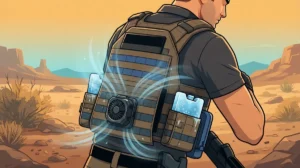
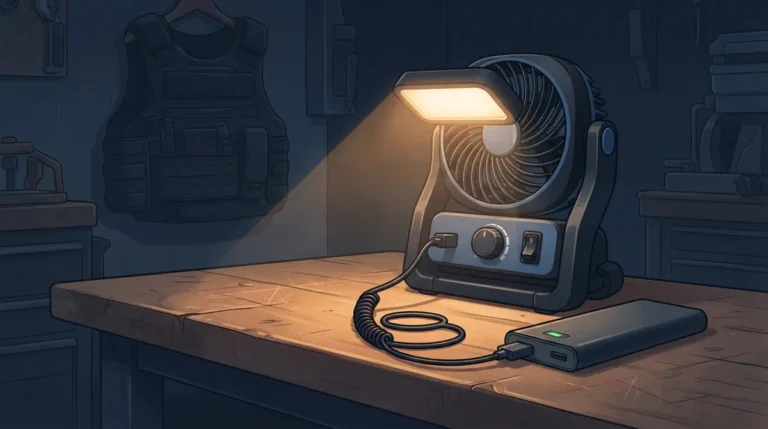
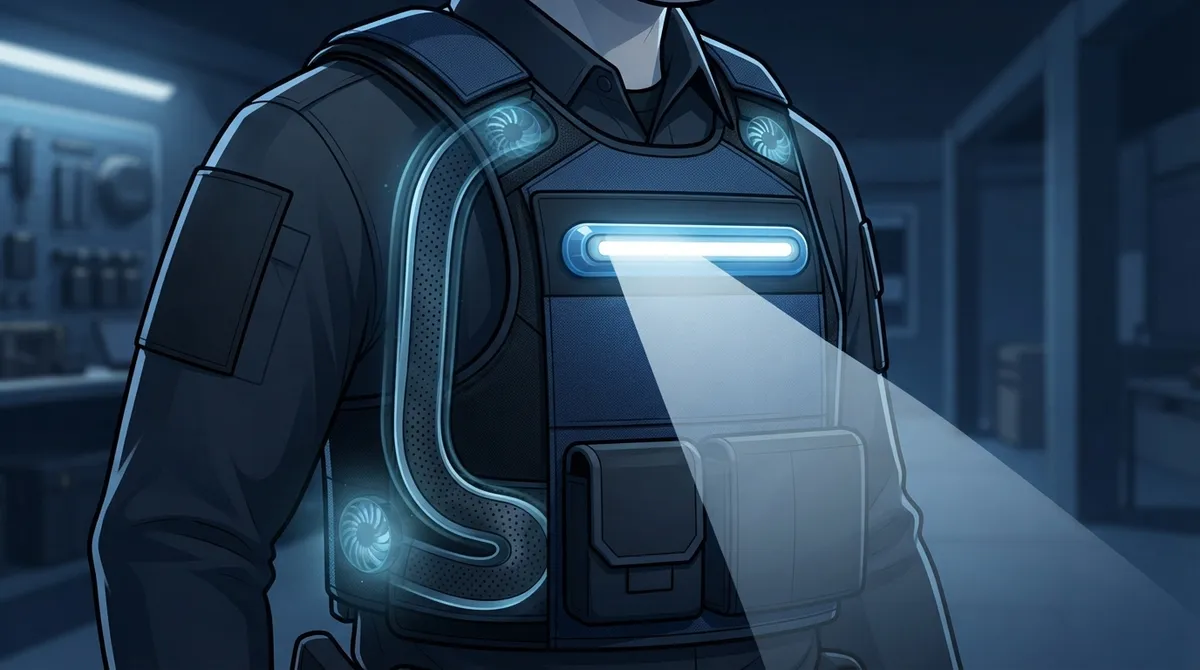
BluFano is an active fan system that moves fresh air under your body armor. It also has a forward-facing light for hands-free illumination in low-light situations. That is a handy extra for anyone who works long hours in gear.
Here is the honest part. The public product information does not spell out the exact steps to turn the light on, change its brightness, or tell you its runtime. So instead of guessing, this guide shows you how to find the right steps, how to test the light, and how to use it wisely. Think of it as a friendly, practical walkthrough from the BluHalo team.
What Is the BluFano Built-In Light?
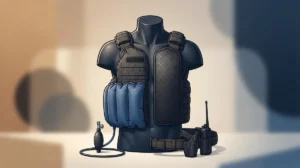
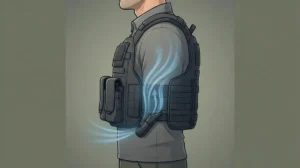
BluFano is a self-contained ventilation unit. It uses a patented air-redirect spout that slides under body armor. A fan pushes air under your vest to help release heat and cut down on trapped moisture.
The built-in light is a bonus feature. It faces forward and is meant to give you hands-free light when it gets dark. You can read more about the unit in these 14 BluFano facts every vest wearer should know.
Key Features at a Glance
| Feature | What the Sources Say |
|---|---|
| Fan system | Active airflow under body armor |
| Power source | Built-in 10,000 mAh rechargeable power bank |
| Fan runtime | About 8 hours at max, up to 32 hours at lowest |
| Built-in light | Forward-facing, hands-free illumination |
| Weight | About 11.5 ounces (confirm current specs) |
| Light switch, brightness, runtime | Not listed in public product pages |
Notice the last row. Those details are not in the public product pages, so we will not make them up.
How to Use the BluFano Built-In Light Step by Step
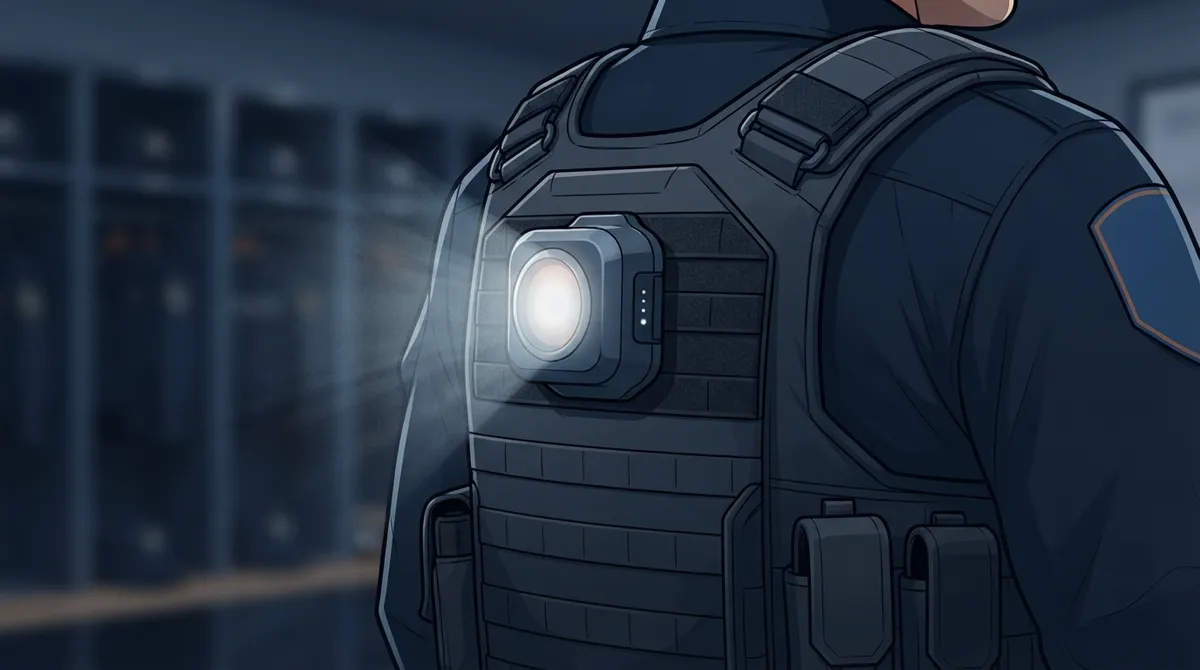
Since the exact switch sequence is not published in the sources we checked, the safest path is to follow the official instructions that came with your unit. Here is a simple routine you can use today.
- Find your manual. Check the paperwork or insert that came in the box. If you cannot find it, reach out to the manufacturer for the current version.
- Charge the unit first. A charged power bank means you can test the fan and the light without a dead battery getting in the way. Our guide on charging a BluFano the right way walks you through it.
- Look over the controls. Find the control knob for fan power. Then look for any separate light control. Do not assume the knob also runs the light.
- Follow the manual to activate the light. Use only the steps in your current instructions.
- Test it in a safe place. Try the light indoors or in a dim room. Check the beam direction and make sure it points where you expect.
- Test the fan and light together. See how they behave at the same time, and note anything odd.
- Turn everything off and store it right. Switch off the light and fan when you are done so you do not drain the battery.
A Quick Word on What Not to Assume
It is tempting to guess. Please do not. Here are things you should not take for granted:
- That the light turns on when the fan does
- That the fan knob controls the light
- That the light has several brightness levels
- That the light has no effect on battery life
Each of these may or may not be true for your unit. Your manual is the only source that can settle it.
Where Is the Light Control Located?
This is one of the most common questions, and the honest answer is that public product pages do not name the exact spot. The pages do mention a control knob for fan power and speed. They do not say that knob controls the light.
So how do you find out? Check your manual first. If you are still unsure, contact the maker and ask a direct question, such as: “Does my BluFano light have its own switch, and where is it?” You can reach the BluHalo team through the contact page for help with your specific unit.
How Does the Light Affect Battery Life?
Great question. BluFano includes a 10,000 mAh rechargeable power bank. One product page reports about 8 hours of airflow at max fan power and up to 32 hours on the lowest setting.
Here is the catch. Those numbers describe the fan, not the light. The sources do not say how much power the light draws or how it changes fan runtime. So treat the light as a short-use feature, not a constant one.
Smart Battery Habits
- Charge the unit fully before every shift
- Use the light only when you need it
- Pick a lower fan speed if you plan to use the light a lot
- Keep an eye on the power level during long shifts
If you want to stretch your runtime, our post on how fan speed affects vest cooling battery life has useful tips. You can also learn about adjusting BluFano fan speed under body armor.
Best Ways to Use the Light on the Job
A built-in light is all about convenience. Here are some real-world moments where hands-free light can come in handy.
- Walking to your vehicle in the dark. Light the path without holding a flashlight.
- Checking gear or paperwork. Keep both hands free while you look things over.
- Finding items in a bag or trunk. A little forward light goes a long way.
- Low-light setup or breakdown. Handy when you are packing up after a late call.
Officers, security pros, military personnel, tactical teams, and emergency responders all work in places where light can be limited. But each group also has rules about approved lighting. Always follow your department or employer policy.
Treat It as Supplemental Light
This part matters. The built-in light is extra task lighting. It is not a replacement for required duty lighting, a proper flashlight, or other safety gear your job demands. Think of it as a helpful sidekick, not the main star.
Safety Checks Before You Rely on the Light
A quick pre-shift routine keeps surprises away. Heat and long hours already put stress on your body. You do not want gear problems on top of that. The OSHA heat stress guide is a great reminder of why staying cool and prepared matters.
- Inspect the unit. Look for cracks, loose parts, or damage.
- Check the controls. Make sure the knob and any switches move smoothly.
- Confirm the charge. A low battery can cut the light short.
- Test the light. Do this before you head into the dark, never after.
- Check your fit. Make sure the unit is secured as directed and does not block movement or access to equipment.
Fit is a big deal. The ventilation unit should not interfere with the carrier’s fit, protective coverage, or your range of motion. Armor guidance from the National Institute of Justice on body armor is a good reference for staying safe. For mounting help, see how to mount BluFano on an outer vest and these ways to secure BluFano to MOLLE gear.
What If the BluFano Light Does Not Turn On?
Do not panic. Most light problems have simple fixes. Try these steps in order.
- Check the charge. Plug in the unit and let it power up. A drained battery is the most common culprit.
- Re-read the manual. You may be missing a step in the activation sequence.
- Inspect the controls. Look for anything stuck, dirty, or damaged.
- Test the fan. If the fan runs but the light does not, note that detail.
- Contact support. Share what you tried and what you saw.
If something still seems off, stop relying on the light and use your approved duty lighting. Then get in touch with the maker for help.
Why BluFano and BluHalo Make a Great Team
BluFano is built for active airflow. BluHalo is a lightweight ventilation vest, designed by a Chicago police officer, that lifts your armor up to about 1.5 inches off the body to create a cooling air gap. It weighs under 7 ounces.
Together, they tackle heat from two angles. BluHalo creates space, and BluFano moves fresh air through it. Plus, BluFano brings a handy light and a power bank that can charge USB devices. Want to see how they compare or work together? Check out BluFano vs BluHalo and these steps to use BluHalo and BluFano together.
For more cooling ideas, browse our list of best body armor cooling systems and the guide on using a BluFano body armor fan to stay cool.
Quick Tips for Getting the Most From Your BluFano
- Charge it fully before each shift
- Keep your manual somewhere easy to find
- Test the light before you need it
- Use the lowest fan speed that keeps you comfortable
- Wipe the unit clean after sweaty shifts
- Re-check mounting and fit often
Small habits add up. A little care today means a more reliable light and fan tomorrow.
Final Thoughts on Using the BluFano Light
So, what is the best way to use the BluFano built-in light? Start with your current manual, charge the unit, test the light in a safe place, and treat it as extra task lighting. Do not assume the light works like the fan knob, and always keep your required duty lighting close.
BluFano and BluHalo are built to keep you cooler, drier, and more comfortable under your gear. If you have a question about your unit or want help picking the right setup, we would love to hear from you. Get in touch with the BluHalo team and we will point you in the right direction.
FAQs
Q: How do you turn on the light on a BluFano ventilation unit?
A: The public product pages don’t list the exact steps, so the best move is to follow the instructions in your current manual. If you can’t find it, reach out to the manufacturer. Always test the light in a safe, low-light spot before you count on it.
Q: Does the BluFano light have a separate switch from the fan?
A: The product pages mention a control knob for fan power and speed, but they don’t say whether the light has its own switch. Please don’t assume either way. Your manual or the maker can tell you for sure.
Q: How long does the BluFano light last on a full charge?
A: The sources share fan runtime, about 8 hours at max and up to 32 hours at the lowest setting, but not light runtime. Because the light’s power draw isn’t stated, use it only when you need it and keep your unit well charged.
Q: Can the BluFano light replace my duty flashlight?
A: No, it works best as extra, hands-free task lighting. It should never replace required duty lighting or other workplace safety gear. Keep your approved flashlight close at all times.
Q: What should I do if the BluFano light won’t turn on?
A: First, charge the unit fully and re-read your manual for the right steps. Then check the controls for damage and test the fan. If the light still won’t work, use your approved lighting and contact the manufacturer for help.