Key Takeaways
-
Turn the BluFano off before plugging in, then connect the supplied cord to the charging port and a compatible USB power source, and let it finish charging before unplugging.
-
The built-in 10,000 mAh power bank runs about 8 hours at maximum airflow and up to 32 hours on the lowest setting, per manufacturer estimates.
-
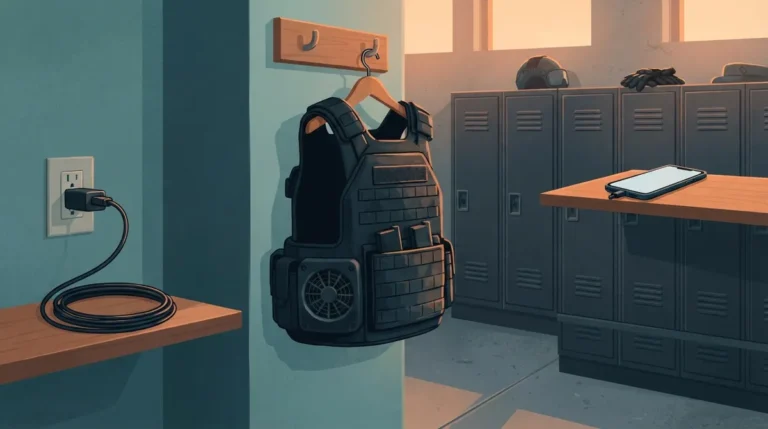
Charging the fan at the end of each shift, and storing the cord next to other chargers, helps ensure the battery is ready for the next shift.
-
Phone charging draws from the same battery that powers the fan, so avoid it when you need maximum fan runtime.
-
Exact charging times, adapter wattage, and indicator light meanings are not published in the available sources, so check the manual that shipped with your unit.
-
If the fan will not charge, reseat the cord, clean the port of lint or moisture, try a different USB source, and inspect the cord for damage before contacting the manufacturer.
You pull on your vest, clip your gear, and head out for a long, hot shift. Then you reach for your cooling fan and the battery is dead. Nobody wants that. If you wear body armor for a living, a charged fan is as basic as a charged radio.
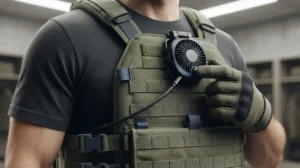
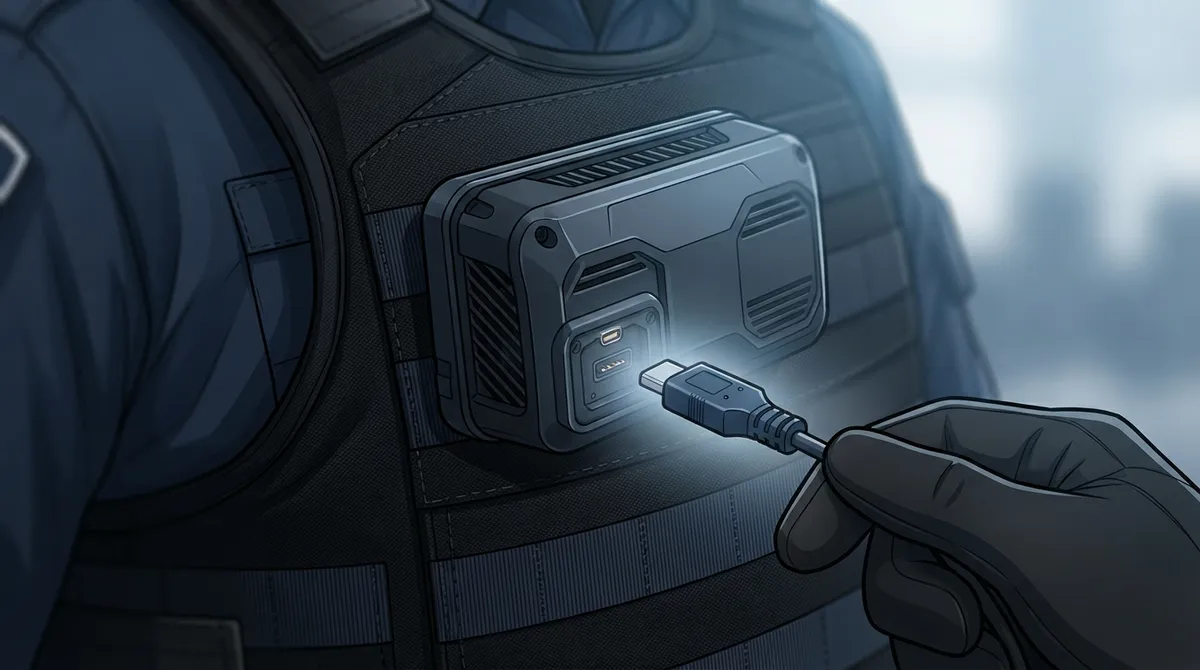
This guide shows you how to charge a BluFano vest fan, step by step. BluFano is a battery-powered ventilation fan that moves air beneath your body armor or vest. It runs on a built-in 10,000 mAh power bank, so keeping that battery topped off is the key to staying cool all shift.
Whether you are a patrol officer, a deployed soldier, a security guard, a tactical team member, or a first responder, the routine is simple. We will cover the basic charging steps, a smart pre-shift habit, how to stretch your runtime, and what to do if something seems off. One honest note up front: the product pages do not list exact charging times or adapter ratings, so we will point you to your manual for those details.
What Is the BluFano and How Does Its Battery Work?
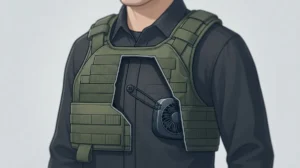
BluFano is an active airflow unit. It is not built into your vest fabric. Instead, it uses a patented air-redirect spout that slides under body armor and pushes air where heat and sweat build up. You can read more in our BluFano overview.
Inside the unit is a rechargeable power bank rated at 10,000 mAh, according to BluHalo product information. That one battery does two jobs:
- It powers the fan.
- It can also charge a USB device, like a phone, in a pinch.
You recharge it through the unit’s USB port with the supplied cord. That is the whole system. No spare batteries to buy, no complicated dock.
For a deeper look at the product, check out these 14 BluFano facts every vest wearer should know.
5 Steps to Charge Your BluFano Vest Fan
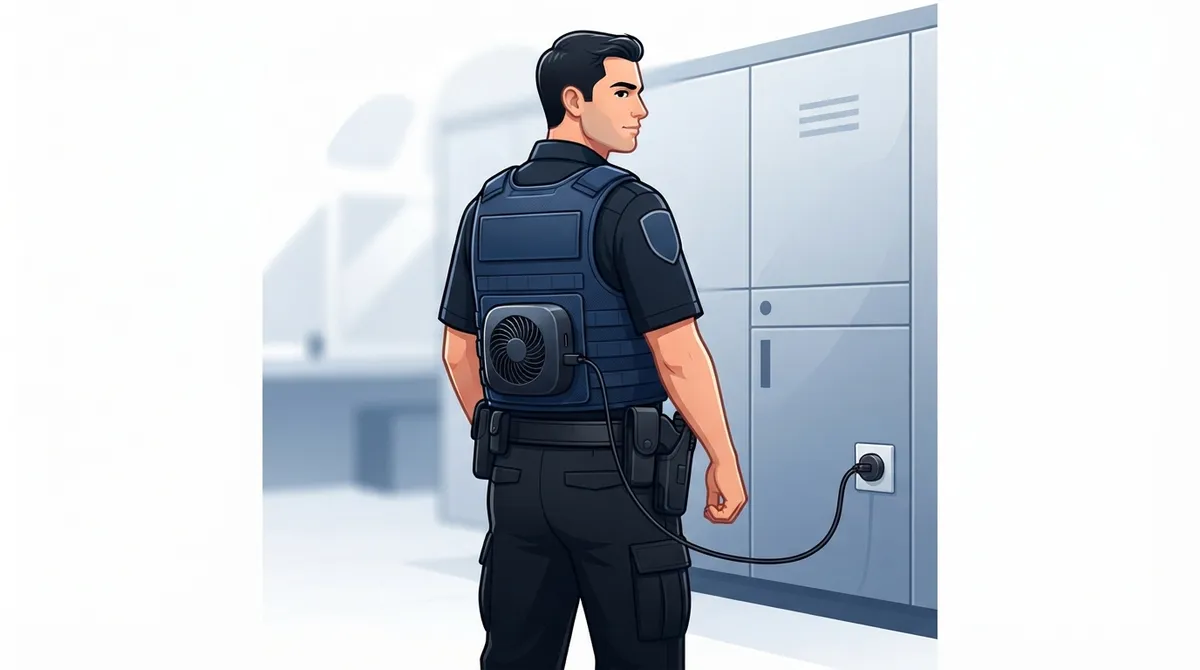
Here is the simple routine. Follow these steps each time you charge, and you will build a habit that keeps your fan ready.
- Turn the fan off. Set the control knob to off before you plug anything in. This helps the battery charge without the fan draining it.
- Grab the supplied charging cord. Use the cord that came with your BluFano. It is made for this unit, so it is the safest first choice.
- Plug the cord into the BluFano charging port. Push it in gently until it seats. Do not force it. If it will not fit, stop and check the port for lint or debris.
- Connect the other end to a USB power source. A standard USB wall adapter, a computer port, or a vehicle USB outlet are common options. Check your manual for the exact power source your unit supports.
- Let it finish, then unplug. Wait until the charge is complete before you rely on the fan. Then disconnect the cord and store it with your gear.
That is it. Five steps and you are set. If you ever feel unsure about a detail, contact the BluHalo team and they can point you in the right direction.
What We Know (and Do Not Know) About Charging Specs
Let us be upfront, because trust matters. The BluHalo product pages confirm the 10,000 mAh built-in power bank and the USB recharge method. They do not publish a few details people often ask about.
| Question | What the Sources Say | What to Do |
|---|---|---|
| Battery size | 10,000 mAh built-in power bank | Confirmed by BluHalo |
| Charging method | USB port with supplied cord | Confirmed by BluHalo |
| Adapter wattage | Not specified in available sources | Check your manual |
| Full charge time | Not specified in available sources | Check your manual |
| Indicator light meaning | Not specified in available sources | Check your manual |
Your best move is to read the manual that shipped with your unit. If you cannot find it, reach out to the manufacturer. Guessing at charger specs is never worth the risk to your gear.
A Smart Pre-Shift Charging Routine
Charging is easy. Remembering to do it is the hard part. A little routine goes a long way, especially if you work long or unpredictable hours.
Charge Before Every Shift
Make charging part of your end-of-shift reset. Hang up your vest, plug in the BluFano, and treat it like your radio or body camera. When you start the next shift, the battery is ready.
Pair It With Gear You Already Charge
Most of us already plug in a phone, a light, or a radio at home. Put the BluFano cord right next to those. When it sits in the same spot, you are far less likely to forget it.
Do Not Rely on a Half-Finished Charge
If you grab the unit before it is done charging, you may run short mid-shift. Let it finish. If your day gets unexpectedly long, you will be glad you did.
Many officers also build this into a bigger prep routine. Our guide on how to prepare body armor for a hot shift walks through a full checklist.
How Long Will a Full Charge Last?
This is where the battery really shines. BluHalo reports about 8 hours of operation at maximum airflow and up to 32 hours at the lowest setting. Those are manufacturer-reported estimates, so your real-world results can vary based on the setting you pick and how you use the unit.
| Fan Setting | Manufacturer-Reported Runtime | Best For |
|---|---|---|
| Maximum airflow | About 8 hours | Peak heat, high-intensity work |
| Low setting | Up to 32 hours | Mild days, extended duty |
So a full charge can cover a standard shift on high, or several days on low. Learn how settings change your battery in how fan speed affects vest cooling battery life, and see how to dial things in with adjusting BluFano fan speed under body armor.
5 Tips to Get More From Every Charge
A few simple habits can stretch your runtime and protect your battery over time.
- Match the setting to the heat. Use a lower speed on mild days. Save the top setting for the hottest hours.
- Skip phone charging when you need max runtime. The power bank can charge USB devices, but that draws from the same battery that powers the fan. Using it will cut into your fan time.
- Keep the port clean. Dust and lint can get in the way of a solid connection. Wipe the area gently before you plug in.
- Use the supplied cord. It is designed for your unit. A worn or mismatched cord can cause slow or failed charging.
- Position the fan well. Good airflow means you may not need to crank it up as high. See how to position a fan under body armor for best airflow.
For more ideas on getting the most from your battery, read our guide on picking a vest fan with all-shift battery life.
Troubleshooting: What If Your BluFano Will Not Charge?
Do not panic. Most charging issues have simple fixes. Work through this quick checklist before you assume something is broken.
- Check the cord connection. Unplug both ends and plug them back in firmly.
- Inspect the port. Look for lint, dirt, or moisture. Sweat is a real factor when you wear gear all day, so make sure the unit is dry.
- Try a different USB power source. Swap the wall adapter or outlet to rule out a bad source.
- Inspect the cord. Look for bends, frays, or damage. If it looks worn, ask the manufacturer about a replacement.
- Read the manual. Your manual is the best source for indicator behavior and unit-specific fixes.
Still stuck? Reach out to the manufacturer directly. They can walk you through the right next step for your specific unit.
Storage and Care for a Rechargeable Fan
A little care keeps your BluFano working for the long haul. Think of it like any other piece of duty equipment.
- Disconnect the cord once charging is complete.
- Store the unit in a cool, dry place, away from direct heat in a hot vehicle.
- Wipe it down after sweaty shifts and let it dry fully.
- Follow the storage and care steps in your manufacturer’s instructions.
Heat is the enemy of most batteries, so avoid leaving your fan baking on a dashboard. Since you are buying a cooling tool, it makes sense to keep the tool itself cool.
Why Charging Habits Matter for Your Safety
This is not just about convenience. Heat stress is a real concern for anyone in body armor. The OSHA heat stress guide explains how heat can build up and affect workers, and heavy protective gear makes that harder. Meanwhile, the National Institute of Justice body armor resources cover the standards behind the gear you depend on every day.
A charged fan helps you manage heat under that gear. When you are cooler, you think more clearly and tire less. That is especially true for those long shifts where small comforts add up. You can dig into the science in how heat affects police reaction time on duty.
Pair BluFano With BluHalo for Even More Relief
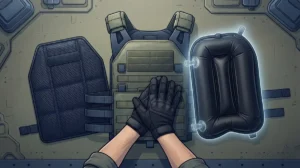
If you want the best cooling under your armor, consider using both of our products together. BluHalo is a lightweight inflatable vest, under 7 ounces, that lifts your armor up to about 1.5 inches off your body to create a cooling air gap. BluFano then moves fresh air through that space.
Together, they tackle heat and moisture from two angles. See how the two compare in BluFano vs BluHalo: which cooling vest fits you, or learn how to run them side by side in 8 steps to use BluHalo and BluFano together. You can also explore the BluHalo ventilation vest on its own.
Final Thoughts: Charge Up and Stay Cool
Knowing how to charge a BluFano vest fan takes about two minutes, and it pays off all shift. Turn it off, plug in the supplied cord, use a compatible USB power source, let it finish, and unplug. Build that into your routine and your fan will be ready when the heat hits.
Remember to check your manual for exact charging times, adapter details, and indicator lights. Those specifics vary by unit, and the manufacturer is your best source.
Ready to upgrade your comfort under armor? Get in touch with the BluHalo team to learn more about BluFano and BluHalo, or browse the shop to find the right setup for your gear. Stay cool, stay sharp, and stay safe out there.
FAQs
Q: How do you charge a BluFano vest fan?
A: Turn the fan off, plug the supplied charging cord into the BluFano charging port, and connect the other end to a compatible USB power source. Let it finish charging, then unplug it. Check your manual for exact charging details for your unit.
Q: How long does a BluFano run on a full charge?
A: BluHalo reports about 8 hours at maximum airflow and up to 32 hours at the lowest setting. These are manufacturer-reported estimates, so your actual runtime depends on the setting you choose and how you use the fan.
Q: Can the BluFano charge my phone while the fan is running?
A: Yes, the built-in 10,000 mAh power bank can charge USB devices like a phone. Just keep in mind that it draws from the same battery that powers your fan, so you may get less fan runtime when you use it.
Q: What should I do if my BluFano fan will not charge?
A: Start with the basics: reseat the cord, check the port for lint or moisture, and try a different USB power source. If it still will not charge, check your manual or contact the manufacturer for help with your specific unit.
Q: How long does it take to fully charge a BluFano?
A: The available product information does not list an exact charging time, so we do not want to guess. Your manual is the best place to find the right charging time for your specific unit.